Deploy and Host NetBird on Sealos
NetBird is a WireGuard-based zero-trust networking platform for secure private connectivity across distributed devices. This template deploys a self-hosted NetBird control plane on Sealos Cloud with the Dashboard, Management, Signal, Relay, embedded IdP, and persistent state.
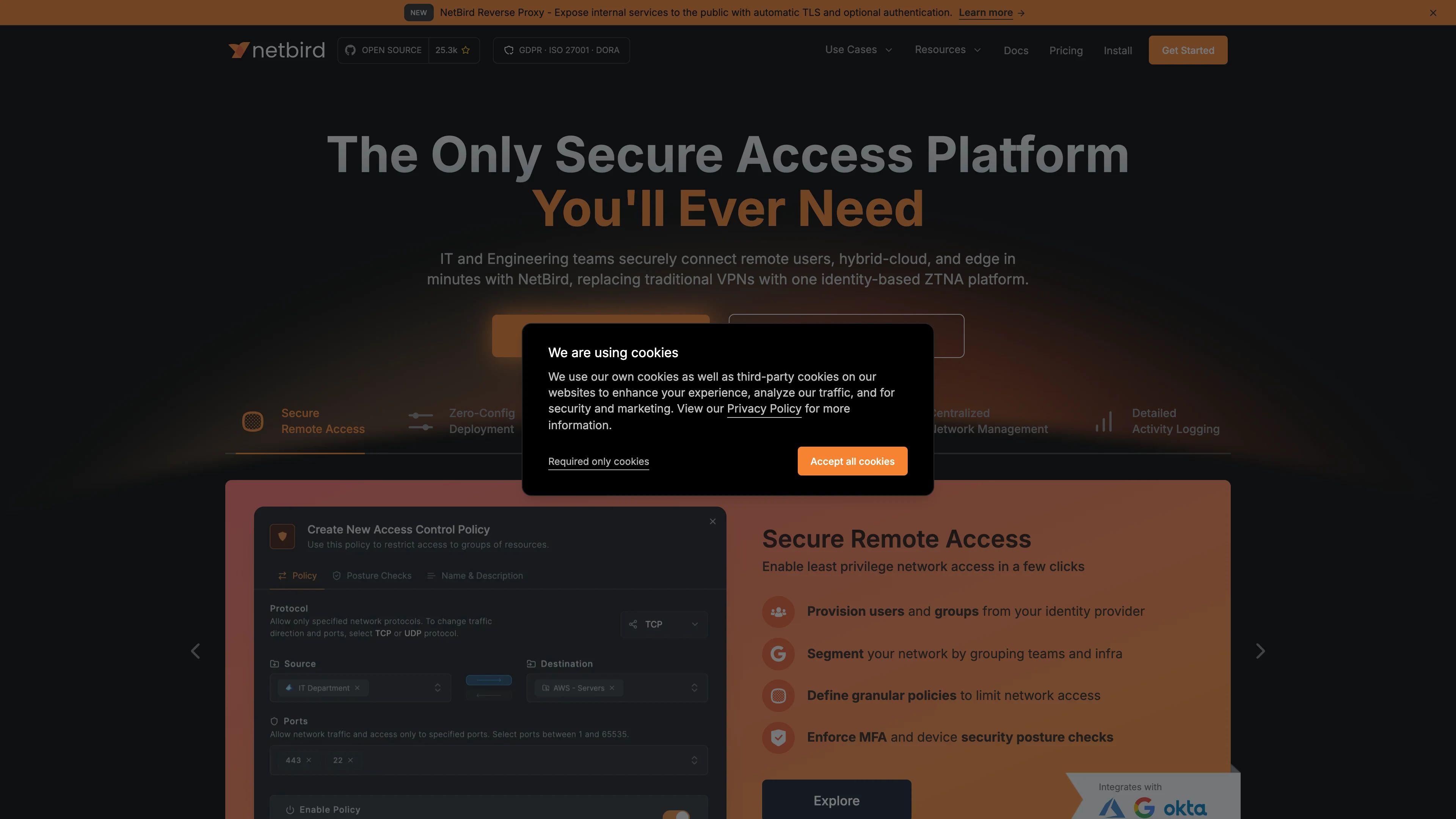
About Hosting NetBird
NetBird provides a control plane for private networking, peer enrollment, access policies, signaling, and relay-assisted connectivity. The Sealos template uses NetBird's embedded identity provider, so a basic self-hosted deployment does not require an external OIDC service.
The deployment separates the public web/API host from the gRPC host. The primary host serves the Dashboard, Management HTTP API, embedded IdP routes, Signal websocket path, and Relay path, while the dedicated gRPC host exposes Management and Signal gRPC traffic with GRPC ingress backends.
TURN is not bundled because dynamic public UDP/TCP port ranges are not a good fit for this Sealos template. If your peers need TURN for restrictive NAT environments, provide an external TURN endpoint through the template inputs.
Common Use Cases
- Remote Team Access: Build a private WireGuard-based network for distributed teams and internal tools.
- Multi-Cloud Connectivity: Connect cloud, edge, and on-premise devices under one policy model.
- Homelab and Edge Management: Manage private device access without exposing every service publicly.
- Zero-Trust Service Access: Apply user, group, and peer policies to internal resources.
- Self-Hosted VPN Replacement: Replace traditional VPN concentrators with peer-to-peer WireGuard connectivity and central policy control.
Dependencies for NetBird Hosting
The Sealos template includes the required runtime components for a self-hosted NetBird control plane:
- NetBird Dashboard
- NetBird Management with embedded IdP
- NetBird Signal
- NetBird Relay
- Persistent storage for Management and Signal state
Deployment Dependencies
Implementation Details
Architecture Components:
This template deploys four NetBird services:
- Dashboard (
netbirdio/dashboard:v2.90.8): Web UI for administration, onboarding, and day-to-day operations.
- Management (
netbirdio/management:0.76.0): Core HTTP/gRPC API, embedded IdP, policy engine, and account state.
- Signal (
netbirdio/signal:0.76.0): Signaling service used by peers to coordinate connectivity.
- Relay (
netbirdio/relay:0.76.0): Relay endpoint for constrained network paths.
Ingress and Domain Routing:
- Primary HTTPS domain (
${app_host}.${SEALOS_CLOUD_DOMAIN}):
/ routes to Dashboard/api, /oauth2, and /ws-proxy/management route to Management/ws-proxy/signal routes to Signal/relay routes to Relay
- Dedicated gRPC domain (
${grpc_host}.${SEALOS_CLOUD_DOMAIN}):
/management.ManagementService/ routes to Management gRPC/signalexchange.SignalExchange/ routes to Signal gRPC
Configuration:
- The default mode stores Management control-plane data in SQLite under
/var/lib/netbird.
- The optional PostgreSQL mode provisions a managed PostgreSQL 16.4 cluster for Management control-plane data.
- The embedded IdP and activity event store keep their SQLite databases on the Management persistent volume in both database modes.
- Management and Signal each use a
1Gi persistent volume.
- Relay is exposed through the primary HTTPS ingress path as
rels://<app-host>:443/relay.
- Optional external TURN settings can be passed through
external_turn_host, external_turn_username, and external_turn_password.
- Dashboard, Signal, and Relay use verified personal low-load limits of
100m CPU and 128Mi memory, with requests of 10m CPU and 12Mi memory.
- Management uses a verified cold-start limit of
100m CPU and 256Mi memory, with requests of 10m CPU and 25Mi memory.
License Information:
This Sealos template is provided under the repository license policy of the Sealos templates project. NetBird itself is licensed under the BSD-3-Clause License.
Why Deploy NetBird on Sealos?
Sealos is an AI-assisted Cloud Operating System built on Kubernetes that unifies application deployment, scaling, and day-2 operations. By deploying NetBird on Sealos, you get:
- One-Click Deployment: Deploy the NetBird control plane without manually writing Kubernetes manifests.
- Automatic HTTPS Access: Sealos provisions public URLs and TLS certificates for the Dashboard, APIs, and gRPC endpoints.
- Persistent State Included: Management and Signal state survive restarts through built-in persistent storage.
- Canvas-Based Operations: Use Canvas, AI dialog, and resource cards to inspect or adjust resources after deployment.
- Resource-Efficient Defaults: Start with compact CPU, memory, and storage settings suitable for initial self-hosted use.
- Kubernetes Foundation: Run NetBird on standard Kubernetes primitives while avoiding direct cluster management complexity.
Deploy NetBird on Sealos and focus on secure private networking instead of infrastructure plumbing.
Deployment Guide
- Open the NetBird template and click Deploy Now.
- Configure the parameters in the popup dialog:
use_postgresql: select managed PostgreSQL for the Management store, or keep the default SQLite mode.disable_default_policy: choose whether to disable NetBird's default all-to-all policy.external_turn_host: optional external TURN endpoint such as turn.example.com:3478.external_turn_username and external_turn_password: required only when an external TURN endpoint is configured.
- Wait for deployment to complete, typically 2-3 minutes. After deployment, you will be redirected to Canvas. For later changes, describe your requirements in the AI dialog or click the relevant resource cards to modify settings.
- Open the generated NetBird application URL.
- Complete the first-run setup:
- If setup is required, the Dashboard redirects to
/setup.
- Enter the initial owner email, password, and optional name.
- NetBird creates the owner account via its setup API, then redirects you to sign in.
- Sign in with the owner credentials you just created.
Configuration
After deployment, you can configure NetBird through:
- NetBird Dashboard: Manage users, peers, setup keys, access policies, routes, DNS, and reverse proxy settings.
- AI Dialog in Canvas: Describe changes and let Sealos apply resource updates.
- Resource Cards: Edit Deployments, StatefulSets, Services, Ingresses, and environment variables.
Input Parameters
use_postgresql: Provision managed PostgreSQL 16.4 for the Management store (true or false; default false).disable_default_policy: Disable the default all-to-all policy (true or false).external_turn_host: Optional external TURN host and port.external_turn_username: TURN username, required when external_turn_host is set.external_turn_password: TURN password, required when external_turn_host is set.
First-Run Login and Registration
NetBird uses embedded IdP local users in this template. The first visit opens the /setup wizard, where you create the initial owner with an email address, name, and password. The wizard is available while GET /api/instance reports setup_required: true. Later visits open the regular sign-in page.
For automated setup, call the setup API once after deployment:
curl -X POST "https://<your-netbird-url>/api/setup" -H "Content-Type: application/json" -d '{"email":"[email protected]","password":"securepassword123","name":"Admin User"}'
Store the owner credentials securely. After setup is complete, additional users can be created or invited from the Dashboard.
Scaling
To scale the deployment:
- Open the Canvas for your NetBird deployment.
- Click the relevant Deployment or StatefulSet resource card.
- Adjust CPU limits, memory, storage, or replica settings.
- Apply the changes and monitor rollout status.
This template preserves the existing split-service topology with one Dashboard, Management, Signal, and Relay replica. Review NetBird's state-store and ingress requirements before changing replica counts.
Troubleshooting
Setup page does not appear
- Check
https://<your-netbird-url>/api/instance.
- If it returns
{"setup_required": true}, open https://<your-netbird-url>/setup.
- If it returns
false, the owner account already exists and you should sign in instead.
Login fails after setup
- Verify that the Management pod is running.
- Confirm
https://<your-netbird-url>/oauth2/.well-known/openid-configuration returns the embedded IdP metadata.
- Make sure the owner password has not been changed or lost.
PostgreSQL mode does not become ready
- Check the managed PostgreSQL Cluster and the
<app-name>-pg-init Job in Canvas.
- Confirm the Management init container can connect to the generated
netbird database.
- Keep the Management persistent volume in backups because the embedded IdP and activity event store keep their databases there.
Peers cannot connect reliably
- Check whether your peer networks require TURN.
- If strict NAT traversal is required, configure an external TURN endpoint through the template inputs.
gRPC operations fail while the Dashboard works
- Verify that the dedicated gRPC domain is present in Canvas.
- Confirm the Management and Signal gRPC ingresses use GRPC backend protocol.
Getting Help
Additional Resources
License
This Sealos template is provided under the repository license policy of the Sealos templates project. NetBird itself is licensed under the BSD-3-Clause License.