Deploy and Host MLflow on Sealos
MLflow is an open-source AI engineering platform for experiment tracking, model management, application evaluation, and artifact storage. This template deploys one authenticated MLflow 3.14.0 server with independent database and artifact-storage choices on Sealos Cloud.
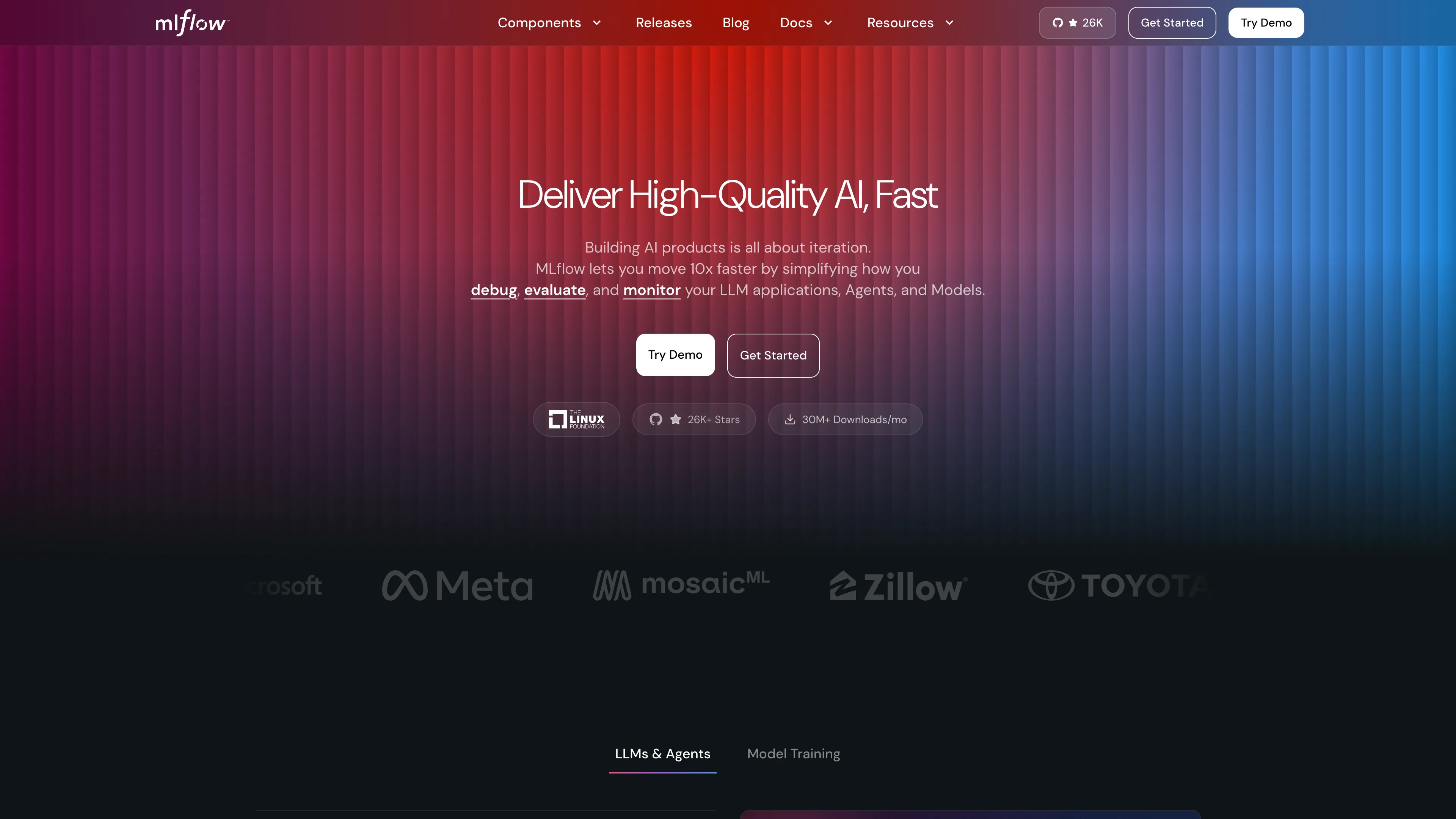
About Hosting MLflow
MLflow provides a browser UI and REST API for recording runs, comparing metrics, registering models, and reviewing artifacts. The template enables MLflow's built-in Basic Auth application, generates a strong initial administrator password, and persists users and permissions in SQL storage.
The database selector offers persistent SQLite for a compact personal deployment and a Sealos-managed PostgreSQL 16.4 cluster for a dedicated database service. The artifact selector offers a persistent local volume and a private Sealos S3-compatible bucket. All four combinations keep one MLflow server replica.
Common Use Cases
- Experiment Tracking: Record parameters, metrics, tags, traces, and artifacts from training or evaluation jobs.
- Model Management: Register models, review versions, and coordinate promotion workflows.
- AI Application Evaluation: Compare application quality, traces, and evaluation results in one workspace.
- Team ML Operations: Share an authenticated tracking endpoint with notebooks, scripts, and CI jobs.
Dependencies for MLflow Hosting
The template includes the official ghcr.io/mlflow/mlflow:v3.14.0-full image, persistent application storage, an HTTPS ingress, and an App link. PostgreSQL and Sealos Object Storage appear when their selectors are enabled.
Deployment Dependencies
Implementation Details
Architecture Components:
- MLflow Server: One
Deployment serves the UI, REST API, tracking service, model registry, and artifact proxy on port 5000.
- Persistent Volume: A 1 GiB
ReadWriteOnce volume stores the auth configuration, SQLite files, and local artifacts used by the selected branches.
- PostgreSQL: An optional KubeBlocks PostgreSQL 16.4 cluster stores tracking and authentication data in the
mlflow database. MLflow keeps tracking and auth migrations in separate Alembic version tables.
- Object Storage: An optional private
ObjectStorageBucket stores artifacts through MLflow's authenticated proxy.
- Ingress and App Link: Sealos provides the public HTTPS endpoint and certificate.
Storage Matrix:
| PostgreSQL | Sealos S3 | Metadata and auth | Artifacts |
|---|
| Disabled | Disabled | Persistent SQLite files | Persistent local volume |
| Disabled | Enabled | Persistent SQLite files | Private Sealos S3 bucket |
| Enabled | Disabled | Managed PostgreSQL | Persistent local volume |
| Enabled | Enabled | Managed PostgreSQL | Private Sealos S3 bucket |
MLflow starts with --serve-artifacts and --artifacts-destination. Clients upload and download through the authenticated MLflow endpoint, while object-storage credentials remain inside the server.
Authentication:
The deployment runs mlflow server --app-name basic-auth. The generated Flask secret protects browser sessions and CSRF operations. The initial administrator username and generated password appear in the deployment form; record them before starting the deployment.
Initial Resource Candidate:
- MLflow server:
2 CPU and 2Gi memory limit
- Auth preparation and PostgreSQL readiness containers:
100m CPU and 128Mi memory limit
- Optional PostgreSQL component:
500m CPU and 512Mi memory limit
These values target a personal low-load instance and can be adjusted from the Canvas after deployment.
License Information:
MLflow uses the Apache License 2.0. This Sealos template follows the license of the Sealos templates repository.
Why Deploy MLflow on Sealos?
Sealos is an AI-assisted cloud operating system built on Kubernetes. This template combines application, database, object storage, persistent volume, networking, and TLS resources in one deployment.
- One-Click Deployment: Create the complete MLflow stack from one App Store form.
- Independent Storage Choices: Select a compact local profile or managed PostgreSQL and S3 services.
- Persistent Data: Preserve metadata, users, permissions, and artifacts across Pod replacements.
- Instant HTTPS Access: Receive a public endpoint with automatic TLS.
- AI-Assisted Operations: Use the Canvas AI dialog and resource cards for later changes.
- Pay-as-You-Go Resources: Begin with a personal workload profile and increase resources as usage grows.
Deployment Guide
- Open the MLflow template and click Deploy Now.
- Review the generated administrator username and password, store them in a password manager, then choose the PostgreSQL and Sealos S3 options.
- Wait for deployment to complete, typically 2-3 minutes for the SQLite profile. A new PostgreSQL cluster can add several minutes. After deployment, Sealos opens the Canvas; use the AI dialog or resource cards for later changes.
- Open the generated MLflow HTTPS URL. Enter the administrator username and password in the browser authentication prompt.
- Confirm access by opening Experiments, creating an experiment, and opening the new experiment page.
Login and User Management
Sign in to the Web UI
- Open the generated HTTPS URL from the App resource.
- Enter the
admin_username and admin_password values recorded from the deployment form.
- Keep the browser open for the active Basic Auth session. Closing the browser ends the browser session.
Create Another User
- Sign in with the administrator account.
- Open
https://<your-mlflow-host>/signup.
- Enter the new username and password and submit the form.
- Open the MLflow Admin UI and assign the user a role or direct permission for the required workspace and resources.
New users begin with the template's secure workspace policy and receive access through administrator-assigned RBAC roles or direct permissions.
Change a Password
Each user can update their own password through the authenticated MLflow REST API:
export MLFLOW_TRACKING_URI='https://<your-mlflow-host>'
export MLFLOW_TRACKING_USERNAME='admin'
export MLFLOW_TRACKING_PASSWORD='<current-password>'
export MLFLOW_NEW_PASSWORD='<new-strong-password>'

python - <<'PY'
import os
import requests

uri = os.environ["MLFLOW_TRACKING_URI"].rstrip("/")
username = os.environ["MLFLOW_TRACKING_USERNAME"]
response = requests.patch(
    f"{uri}/api/2.0/mlflow/users/update-password",
    auth=(username, os.environ["MLFLOW_TRACKING_PASSWORD"]),
    json={"username": username, "password": os.environ["MLFLOW_NEW_PASSWORD"]},
    timeout=30,
)
response.raise_for_status()
print("Password updated.")
PY
Update MLFLOW_TRACKING_PASSWORD in clients after the request succeeds. The SQL auth store keeps the changed password across restarts.
Connect an MLflow Client
export MLFLOW_TRACKING_URI='https://<your-mlflow-host>'
export MLFLOW_TRACKING_USERNAME='<username>'
export MLFLOW_TRACKING_PASSWORD='<password>'
MLflow clients use these variables for tracking API and proxied artifact requests.
Configuration
- Database Mode: Clear
Enable PostgreSQL uses SQLite files under /mlflow/data; enabling it provisions PostgreSQL and points tracking plus auth to the managed database.
- Artifact Mode: Clear
Enable S3 Storage uses /mlflow/local-artifacts; enabling it provisions a private bucket and injects its credentials into the server.
- Administrator Credentials: The form generates a strong initial password. The auth store applies those bootstrap values during first initialization.
- Canvas Operations: Use the AI dialog or resource cards to change resources, inspect logs, and manage storage.
Choose the database and artifact modes before recording production runs. Changing either selector points MLflow at the newly selected data plane; migrate metadata, users, permissions, and artifact objects explicitly when moving between modes.
Backup and Restore
- SQLite with local artifacts: Back up the MLflow persistent-volume card. It contains both SQLite files and artifacts.
- SQLite with S3: Back up the persistent volume for metadata and auth, and retain the private bucket for artifacts.
- PostgreSQL with local artifacts: Configure PostgreSQL backups from the database card and back up the persistent volume for artifacts.
- PostgreSQL with S3: Configure PostgreSQL backups and retain the private bucket. The persistent volume contains the generated auth configuration.
Restore metadata and its matching artifact store together so experiment artifact references continue to resolve.
Scaling
The template keeps one MLflow replica because the SQLite and ReadWriteOnce volume profiles require single-writer access. Increase CPU and memory from the Deployment card as request volume grows. A multi-replica architecture requires shared SQL metadata, shared object storage, a shared Flask secret, and a storage design created for concurrent replicas.
Troubleshooting
The Browser Repeats the Login Prompt
Confirm the username and password copied from the deployment form. A password changed through the API becomes the active credential stored in SQL.
A New User Sees Limited Resources
Sign in as an administrator and grant a workspace role or direct resource permission through the Admin UI. The template starts new users with explicit RBAC assignment.
Artifact Uploads Fail
Inspect the MLflow Deployment logs and the selected storage resource. Local mode requires a healthy persistent volume; S3 mode requires a ready private Object Storage bucket.
Getting Help
Additional Resources
License
This Sealos template follows the Sealos templates repository license. MLflow itself is licensed under the Apache License 2.0.