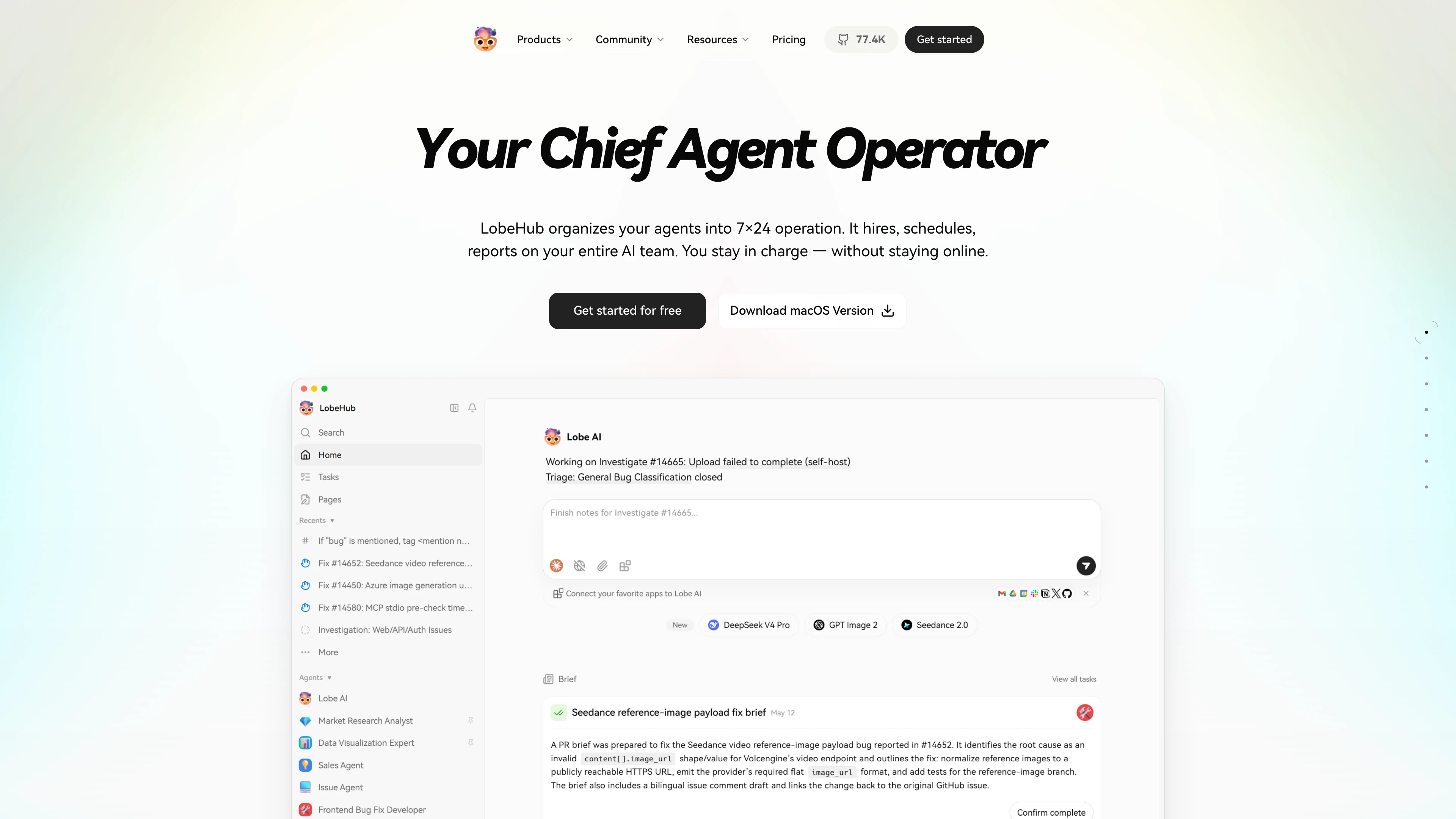
Deploy and Host Lobe Chat on Sealos
Lobe Chat is an open-source AI chat workspace for ChatGPT-compatible and multi-provider LLM workflows. This template deploys the lightweight client-side Lobe Chat image with a public HTTPS endpoint on Sealos Cloud.
About Hosting Lobe Chat
Lobe Chat runs as a single Next.js application on Sealos. The template exposes the web UI through Sealos Ingress, keeps the container image pinned, and generates a per-deployment authentication secret so built-in session APIs work correctly.
This template is best for personal or team chat access where conversation data can remain in the browser. For server-side accounts, shared cloud sync, PostgreSQL, object storage, and external identity login, use the separate Lobe Chat Database Version template.
Common Use Cases
- Personal AI workspace: Use one interface for OpenAI-compatible chat models and custom model lists.
- Team demo environment: Share a hosted Lobe Chat URL protected by an optional access code.
- Model gateway frontend: Point
OPENAI_PROXY_URL at an OpenAI-compatible gateway or proxy.
- Prompt and agent experiments: Test assistants, plugins, and multimodal chat UI features from a managed HTTPS endpoint.
Dependencies for Lobe Chat Hosting
The Sealos template includes the Lobe Chat application container, a Kubernetes Deployment, a Service, an Ingress, and an App shortcut. It does not provision PostgreSQL, Redis, or object storage for this lightweight version.
Deployment Dependencies
Implementation Details
Architecture Components:
This template deploys the following resources:
- Lobe Chat Web App: Next.js application served from
lobehub/lobe-chat:1.143.3 on port 3210.
- Service: Internal ClusterIP service routing traffic to the application pod.
- Ingress: Public HTTPS route using the generated Sealos domain.
- App Shortcut: Sealos dashboard link that opens the deployed Lobe Chat URL.
Configuration:
OPENAI_API_KEY can preconfigure an OpenAI API key, but users can also configure providers from the UI after deployment.OPENAI_PROXY_URL defaults to https://api.openai.com/v1 and can point to any compatible API gateway.ACCESS_CODE is optional. Set a strong value to require an access password before users can use the app.OPENAI_MODEL_LIST can add, hide, or rename visible model IDs.
Login and Registration:
This lightweight template does not create server-side user accounts and does not require an initial registration step. Open the deployed URL, enter the optional ACCESS_CODE if configured, then add or confirm model provider settings in the Lobe Chat interface. Server-side email/password registration and SSO belong to the database version.
License Information:
Lobe Chat is licensed under the Apache-2.0 license. This Sealos template is provided under the template repository license.
Why Deploy Lobe Chat on Sealos?
Sealos is an AI-assisted Cloud Operating System built on Kubernetes that manages deployment, networking, scaling, and operations from a unified dashboard. By deploying Lobe Chat on Sealos, you get:
- One-Click Deployment: Open the template page, configure a few inputs, and let Sealos create the Kubernetes resources.
- Managed HTTPS Access: Each deployment receives a public HTTPS URL without manual certificate or ingress setup.
- Resource Controls: Adjust CPU and memory from the Canvas when traffic or model usage patterns change.
- AI-Assisted Operations: Use the Sealos AI dialog or resource cards to update environment variables and runtime settings.
- Pay-as-You-Go Efficiency: Start with the tested baseline resources and scale only when needed.
Deployment Guide
- Open the Lobe Chat template and click Deploy Now.
- Configure the parameters in the popup dialog. To use OpenAI directly, fill in
OPENAI_API_KEY; to protect the app, set ACCESS_CODE.
- Wait for deployment to complete, typically 2-3 minutes. After deployment, you will be redirected to the Canvas. For later changes, describe your requirements in the AI dialog or click the relevant resource cards to modify settings.
- Access your application via the provided URL:
- Lobe Chat Web UI: Open the generated Sealos URL, enter the access code if configured, and start configuring model providers or chats.
Configuration
After deployment, you can configure Lobe Chat through:
- AI Dialog: Describe environment variable changes such as model list or proxy URL updates.
- Resource Cards: Open the Deployment resource card to edit CPU, memory, replicas, or environment variables.
- Lobe Chat UI: Configure provider credentials and chat preferences from the application settings when you do not preconfigure them through template inputs.
Scaling
The tested baseline for this template is 200m CPU and 1024Mi memory (512Mi was not stable during cold-start validation) with requests derived as 20m CPU and 102Mi memory. To scale:
- Open the Canvas for your deployment.
- Click the Lobe Chat Deployment resource card.
- Increase CPU or memory if concurrent users, long sessions, or plugin usage require more capacity.
- Apply the change and wait for the rollout to complete.
Troubleshooting
Common Issues
The app opens but model calls fail
- Cause:
OPENAI_API_KEY, OPENAI_PROXY_URL, or provider settings are missing or invalid.
- Solution: Update the template inputs or configure provider credentials in the Lobe Chat UI.
An access password is requested
- Cause:
ACCESS_CODE was configured during deployment.
- Solution: Enter the configured access code, or update the Deployment environment variable from the Sealos Canvas.
Server-side login or registration is needed
- Cause: This lightweight template is browser-storage oriented.
- Solution: Deploy the Lobe Chat Database Version template for PostgreSQL-backed accounts and SSO.
Getting Help
Additional Resources
License
This Sealos template is provided under the templates repository license. Lobe Chat itself is licensed under Apache-2.0.