Deploy and Host Keystone on Sealos
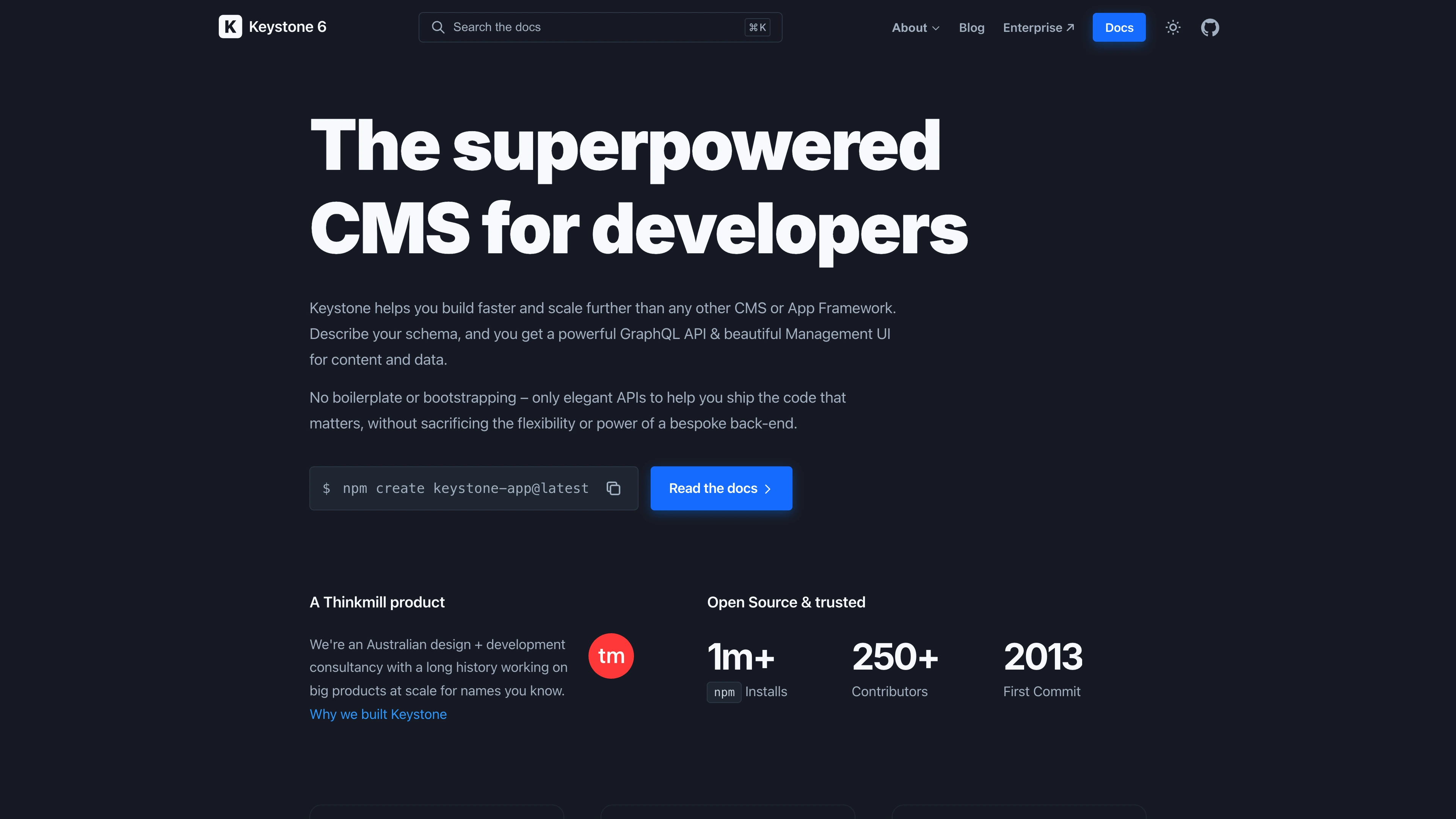
Keystone is an open-source headless CMS and application framework for building GraphQL-powered backends and Admin UIs. This template deploys Keystone with a managed PostgreSQL database on Sealos Cloud.
About Hosting Keystone
Keystone runs on Node.js and automatically generates a powerful Admin UI and GraphQL API from your defined schema. It uses Prisma ORM under the hood to connect to PostgreSQL, providing relational data modeling, authentication, and access control out of the box.
The Sealos template handles PostgreSQL database provisioning, schema initialization, and admin account seeding automatically. It also provides persistent storage for application build artifacts, along with SSL certificate provisioning and domain management.
Common Use Cases
- Headless CMS: Manage structured content for websites, mobile apps, or any frontend through a GraphQL API and intuitive Admin UI.
- Internal Tools and Admin Panels: Quickly build custom admin dashboards and data management interfaces without writing frontend code from scratch.
- Unified Multi-Platform Backend: Use Keystone's GraphQL API as a single backend powering web, mobile, and IoT applications simultaneously.
- Content-Driven SaaS Platforms: Embed content management capabilities into your SaaS product with fine-grained access control and custom business logic.
Dependencies for Keystone Hosting
The Sealos template includes all required dependencies: Node.js 22 runtime, PostgreSQL 16.4 database, Keystone 6 framework, and TypeScript compiler.
Deployment Dependencies
Implementation Details
Architecture Components:
This template deploys the following services:
- Keystone Application: A Node.js service running as a StatefulSet, serving the Admin UI and GraphQL API on port 3000
- PostgreSQL 16.4: A KubeBlocks-managed database cluster storing all content, user accounts, and schema data
- Database Init Job: A one-time job that waits for PostgreSQL to become ready, then creates the
keystone database
- Bootstrap Init Container: Syncs application source files, installs dependencies, builds the project, and runs Prisma database migrations before the main container starts
Configuration:
The template ships with a starter schema containing three content types: Users, Posts, and Tags. Users support email/password authentication, Posts support rich text content with author and tag relationships, and Tags provide a simple categorization system. All content operations require authentication by default.
The bootstrap process uses hash-based change detection — on subsequent restarts, a rebuild is only triggered when source files have changed, keeping regular startup times fast.
License Information:
Keystone is licensed under the MIT License.
Why Deploy Keystone on Sealos?
Sealos is an AI-assisted Cloud Operating System built on Kubernetes that unifies the entire application lifecycle, from development in cloud IDEs to production deployment and management. It is perfect for building and scaling modern AI applications, SaaS platforms, and complex microservice architectures. By deploying Keystone on Sealos, you get:
- One-Click Deployment: Deploy Keystone with a managed PostgreSQL database in a single click. No YAML configuration, no container orchestration complexity - just point, click, and deploy.
- Auto-Scaling Built-In: Your applications automatically scale up and down based on demand. Handle traffic spikes without manual intervention or complex configuration.
- Easy Customization: Configure admin credentials, resource limits, and storage with intuitive forms. Customize your setup without touching a single line of code.
- Zero Kubernetes Expertise Required: Get all the benefits of Kubernetes - high availability, service discovery, and container orchestration - without becoming a Kubernetes expert.
- Persistent Storage Included: Built-in persistent storage solutions ensure your application data and build artifacts are safe across deployments and scaling events.
- Instant Public Access: Each deployment gets an automatic public URL with SSL certificates. Your Admin UI and GraphQL API are instantly accessible without complex networking setup.
- Automated Backups: Automatic database backups and disaster recovery ensure your content data is always safe.
Deploy Keystone on Sealos and focus on designing your content models instead of managing infrastructure.
Deployment Guide
- Open the Keystone template and click Deploy Now.
- Configure the following parameters in the popup dialog:
- Admin Name: Display name for the initial administrator
- Admin Email: Email address used to log in to the Admin UI
- Admin Password: Password for the administrator account
- Wait for deployment to complete (typically 2-3 minutes). The first deployment takes a bit longer as it needs to install npm dependencies and build the Keystone project. After deployment, you will be redirected to the Canvas. For later changes, describe your requirements in the dialog to let AI apply updates, or click the relevant resource cards to modify settings.
- Access your Keystone instance via the provided URL and log in to the Admin UI with the email and password you configured during deployment.
Configuration
After deployment, you can configure Keystone through:
- AI Dialog: Describe the changes you want and let AI apply updates
- Resource Cards: Click the relevant resource cards to modify settings
- Admin UI: Access the Keystone Admin UI directly via the deployment URL to manage content, users, and data
To customize the content schema (add new lists, fields, or relationships), modify the schema source files through the ConfigMap resource card.
Troubleshooting
Common Issues
Application takes a long time to start on first deployment
- Cause: The init container needs to install npm dependencies and build the Keystone project.
- Solution: Wait for the init container to finish. Subsequent restarts will be much faster due to hash-based change detection.
Cannot log in to the Admin UI
- Cause: Incorrect admin credentials or the seeding process was skipped.
- Solution: Verify the email and password entered during deployment. Check the application logs for any warnings related to admin account seeding.
Getting Help
Additional Resources