sealos.io
AFFiNE
Build production-ready tools templates with Sealos.

https://affine.pro/deploy now
AFFiNE
Tools
A privacy-focused, local-first, open-source workspace for notes, docs, whiteboards, and team knowledge management.

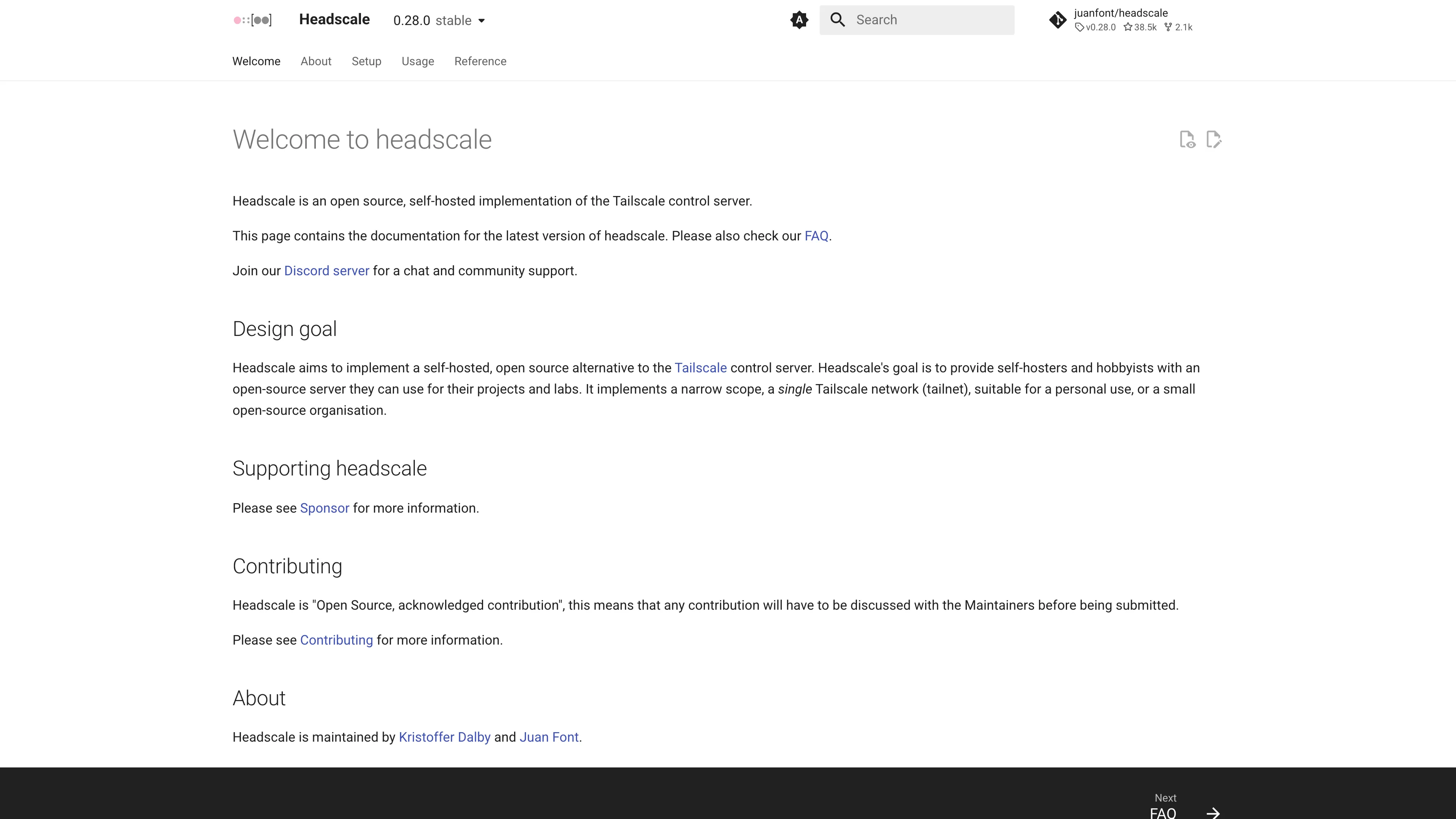
An open source, self-hosted implementation of the Tailscale control server with the Headplane web UI.
Launch in your Sealos workspace.
Start with the resources defined by the Headscale template. Review CPU, memory, persistent storage, and network allocations for every service in Canvas. Capacity needs depend on your data and workload; monitor usage as they grow.
Template configuration and setupUse the application URL or connection details shown in Canvas. Follow the deployment guide for first-time account setup or client configuration, and keep generated credentials available for that step.
Sealos monthly plans include compute, memory, storage, and traffic. Size your plan for all deployed services. Software licenses and external AI or API services may have separate terms and charges. Confirm the applicable plan and optional charges in Cost Center.
Compare Sealos resource plansFor current cloud charges, refer to Sealos plan pricing. Upstream documentation may reference earlier billing models.
Headscale is an open source, self-hosted implementation of the Tailscale control server. This template deploys Headscale 0.29.2 with the Headplane 0.7.0 web UI, persistent storage, TLS-enabled public endpoints, and an optional KubeBlocks PostgreSQL database.
Headscale coordinates a private Tailscale-compatible network. It manages users, machines, routes, DNS, ACL policies, and device enrollment while compatible clients establish their data paths.
The template runs Headscale and Headplane together in one StatefulSet so Headplane can safely reload Headscale configuration through its Kubernetes integration. SQLite is the default database and matches the upstream recommendation for new deployments. The use_postgresql option provisions a dedicated PostgreSQL 16.4.0 cluster when your operating model requires an external database.
The template includes the complete server-side runtime: Headscale, Headplane, persistent volumes, Service and Ingress resources, scoped Kubernetes RBAC, and the conditional PostgreSQL resources.
use_postgresql is enabled.| Component | Version | Purpose | Minimum tested limit |
|---|---|---|---|
| Headscale | 0.29.2-debug | Control server, REST API, gRPC API, and metrics | 100m CPU / 128Mi memory |
| Headplane | 0.7.0 | Web administration UI | 100m CPU / 256Mi memory |
| SQLite | Embedded | Default Headscale database on persistent storage | Included with Headscale |
| PostgreSQL | 16.4.0 | Optional KubeBlocks-managed database | 500m CPU / 512Mi memory |
| PostgreSQL init | postgres:16-alpine | Creates and verifies the headscale database | 100m CPU / 128Mi memory |
The application uses three 512Mi persistent volumes:
| Path | Contents |
|---|---|
/var/lib/headscale | SQLite database, keys, and Headscale runtime state |
/etc/headscale | Validated, non-sensitive Headscale configuration |
/var/lib/headplane | Headplane state |
The main public domain serves the Headscale HTTP API and Headplane at /admin/. A dedicated public domain exposes the Headscale gRPC endpoint. Metrics remain available only inside the cluster on port 9090.
use_postgresql disabled for the default SQLite deployment. Enable it to provision the dedicated PostgreSQL cluster./admin/.Headplane authenticates with a Headscale API key. Generate one from the Headscale container in the Sealos terminal:
headscale apikeys create
The command displays the key once. Store it securely and paste it into the API Key field on the Headplane sign-in page. Headscale gives a new key a 90-day lifetime by default. Set an explicit lifetime when needed:
headscale apikeys create --expiration 365d
After signing in:
Install a compatible Tailscale client, then use the main Sealos application URL and the pre-auth key created in Headplane:
tailscale up \
  --login-server=https://your-headscale-domain.example.com \
  --authkey=<pre-auth-key>
The device appears under Machines in Headplane after enrollment.
The template exposes gRPC on a dedicated TLS domain. Use a headscale CLI binary matching server version 0.29.2, then configure the endpoint and API key:
export HEADSCALE_CLI_ADDRESS=your-headscale-grpc-domain.example.com:443
export HEADSCALE_CLI_API_KEY=<api-key>
headscale users list
The Headplane UI covers the common administration workflow, so remote gRPC access is optional.
SQLite is enabled by default and stores its database at /var/lib/headscale/db.sqlite. Write-ahead logging is enabled, and the persistent volume keeps state across Pod replacement.
Enable use_postgresql during deployment to create a KubeBlocks PostgreSQL cluster. The template creates the headscale database and waits for it to accept authenticated queries. Headscale receives the host, port, username, and password directly from the KubeBlocks Secret through its official HEADSCALE_DATABASE_POSTGRES_* environment variables.
The Kubernetes Secret remains the credential source, while /etc/headscale/config.yaml contains static, non-sensitive database settings. PostgreSQL adds a database Pod and a 1Gi data volume. The initialization Job allows up to six minutes for a cold database start.
/etc/headscale/config.yaml from persistent storage. The init container validates mode, placeholders, and the complete Headscale configuration before replacing an incomplete file with an atomic same-directory move./etc/headplane/config.yaml from the template ConfigMap.HEADPLANE_SERVER__COOKIE_SECRET, keeping the value out of the ConfigMap.shareProcessNamespace and scoped Pod-read RBAC let Headplane signal Headscale after supported configuration changes.1000 with RuntimeDefault seccomp and all Linux capabilities dropped.Create a fresh API key in the Headscale container and paste the complete value into the sign-in form. API keys are displayed once and expire according to their configured lifetime.
Confirm that --login-server uses the main HTTPS application URL and that the pre-auth key belongs to an existing user. Check the Machines and Auth Keys pages in Headplane.
Open the Sealos Canvas and inspect the PostgreSQL Cluster, the *-pg-init Job, and the Headscale StatefulSet. The application starts after the database accepts an authenticated query and the headscale database exists.
Use these endpoints to verify the two application containers:
https://your-headscale-domain.example.com/health
https://your-headscale-domain.example.com/admin/healthz
Headscale is available under the BSD-3-Clause license. Headplane is available under the MIT license. This template follows the repository license for Sealos templates.
A shorter path from an app you want to an app you can run. Sealos brings deployment and ongoing operations into one place.
Start with a ready-made template. Review its configuration and launch from the Sealos console.
Run on managed infrastructure with built-in workload scheduling and recovery.
Give your application a public HTTPS endpoint with certificates managed for you.
Keep application data on persistent volumes across container restarts.
Adjust CPU, memory, and replicas from the console as your workload changes.
Sealos provisions the resources defined by your template and brings them together in your workspace.
Container workloads with configurable CPU, memory, and replicas.
An address for your app, with managed TLS certificates.
A database provisioned alongside your app when the template calls for one.
Storage for the files and data your application needs to keep.
Application settings and secrets configured in one place.
Inspect container logs and resource usage from the console.
Resources and their configuration vary by template. Review the deployment form for this app’s exact setup.
Explore more production-ready templates.
Build production-ready tools templates with Sealos.
A privacy-focused, local-first, open-source workspace for notes, docs, whiteboards, and team knowledge management.
Build production-ready tools templates with Sealos.

Google Chrome browser running in a LinuxServer.io Selkies container with a web-based desktop UI.
Build production-ready tools templates with Sealos.
Deploy the self-hosted DeeplX translation API on Sealos and connect applications to its HTTP endpoint. This independent gateway integrates with DeepL translation.