Deploy and Host Happy Server on Sealos
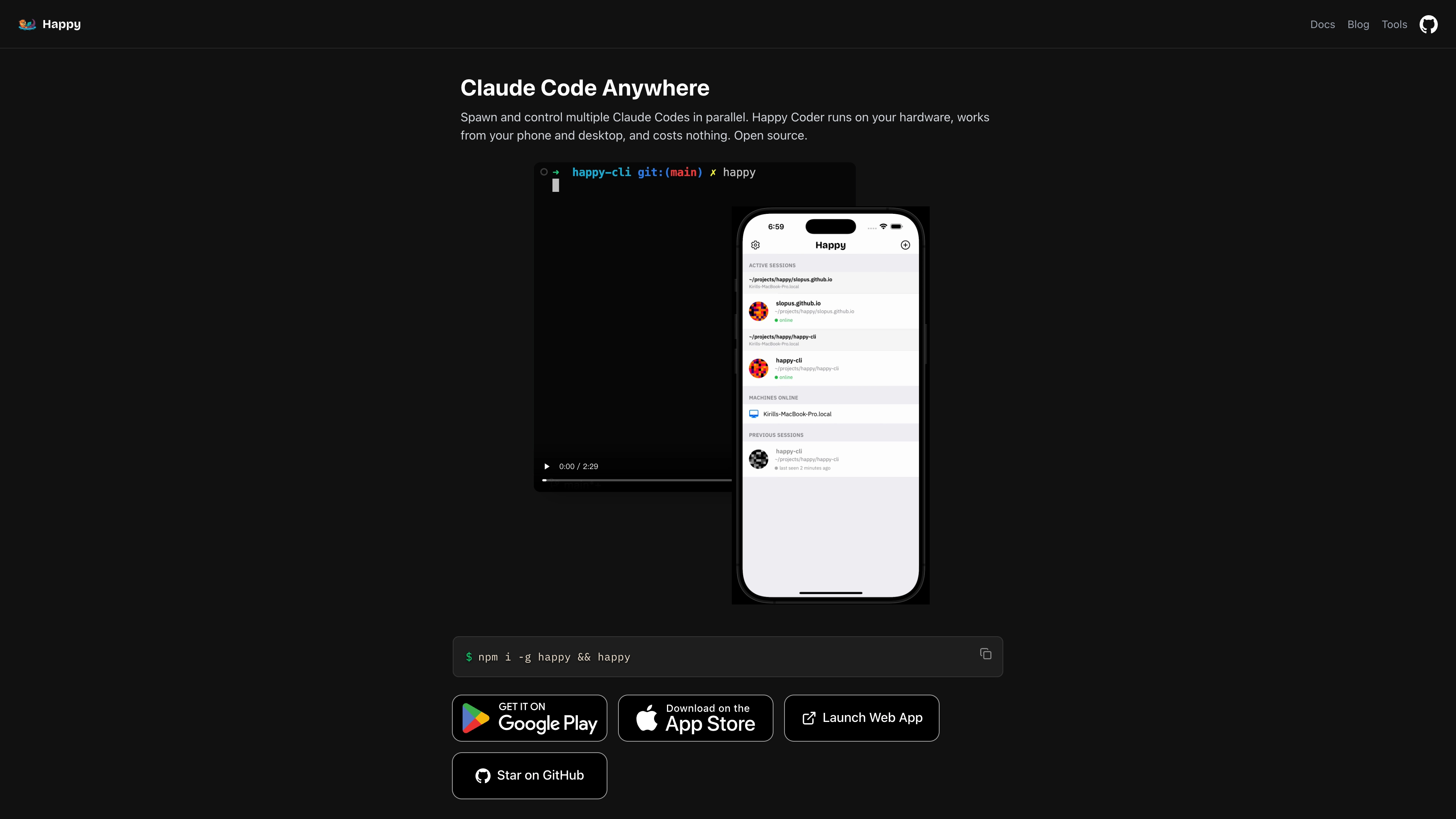
About Happy Server
Happy Server is the self-hosted synchronization backend for open-source, end-to-end encrypted Happy clients for Claude Code. Clients encrypt conversation and session data before it leaves the device; the server stores and relays encrypted payloads, coordinates authentication, and keeps devices in sync through HTTP APIs and WebSocket connections.
This Sealos template deploys Happy Server with managed PostgreSQL, Redis, S3-compatible Object Storage, HTTPS ingress, and an App Launcher shortcut.
Use Cases
- Self-host the Happy sync API for teams that want infrastructure control.
- Keep encrypted Claude Code client data on your own Sealos workspace.
- Provide real-time multi-device sync through Redis-backed WebSocket sessions.
- Store encrypted attachments or artifacts in S3-compatible Object Storage.
- Run a reproducible backend stack without maintaining Kubernetes manifests by hand.
Dependencies
The template creates these resources:
- Happy Server: Node.js/Fastify application container pinned to a GHCR image digest.
- PostgreSQL 16.4: Persistent relational database for accounts, sessions, feed events, keys, and metadata.
- Redis 7.2: Cache and pub/sub backend for real-time coordination.
- ObjectStorageBucket: Public-read S3-compatible bucket used for file and artifact URLs.
- Ingress + Service + App: Public HTTPS endpoint and Sealos App Launcher entry.
Implementation Details
- Runtime image:
ghcr.io/yangchuansheng/happy-server pinned by digest.
- Application port:
3005.
- Health check:
/health, which validates database connectivity.
- Database bootstrap: an idempotent PostgreSQL init Job creates the
happy-server database and required tables before the application becomes ready.
- Secret handling: database credentials, Redis credentials, and object storage credentials are read from Sealos-managed secrets.
- Resource baseline: the app container uses
200m CPU and 256Mi memory after deployment testing; 128Mi was rejected because the Node.js process was OOM-killed during startup.
Why Deploy on Sealos
Sealos gives this template managed runtime primitives that fit Happy Server well:
- One-click deployment from the App Store.
- Managed PostgreSQL, Redis, object storage, HTTPS ingress, and persistent volumes.
- Automatic domain, TLS, logs, and resource controls from the Sealos dashboard.
- A Kubernetes-native manifest that remains portable and auditable.
Deployment Guide
Step 1: Open the template
Open Happy Server on the Sealos App Store, then click Deploy Now.
Step 2: Review generated values
The template generates:
app_name: Kubernetes resource name prefix.app_host: public hostname prefix.seed: random server-side secret used by Happy Server.
The generated values are safe defaults for a fresh deployment. Change app_name or app_host only if you need a stable name.
Step 3: Deploy
Click Deploy. Sealos creates the object storage bucket, PostgreSQL cluster, Redis cluster, database initialization Job, application Deployment, Service, Ingress, and App Launcher entry.
Step 4: Verify the service
After deployment completes, open the generated Sealos App URL. You can also verify the health endpoint:
curl https://<your-happy-server-domain>/health
A healthy response looks like:
{"status":"ok","service":"happy-server"}
Configuration
| Item | Source | Purpose |
|---|
DATABASE_URL | Sealos PostgreSQL secret | Connects Happy Server to the happy-server database. |
REDIS_URL | Sealos Redis secret and service DNS | Enables Redis-backed real-time coordination. |
S3_ACCESS_KEY, S3_SECRET_KEY, S3_BUCKET, S3_HOST | Sealos Object Storage secrets | Enables artifact and file storage. |
PUBLIC_URL | Generated Sealos HTTPS domain | Public base URL for the service. |
HANDY_MASTER_SECRET | Generated template seed | Server-side secret material. |
Scaling
The default template runs one Happy Server replica. Increase replicas only after confirming the Redis-backed real-time workflow and your client traffic pattern. PostgreSQL and Redis are deployed with persistent storage and Sealos-managed service endpoints.
Troubleshooting
- Health check returns 503: PostgreSQL is not ready or the init Job has not completed. Wait for the PostgreSQL cluster and
*-pg-init Job to finish.
- Application restarts during startup: confirm Redis service DNS resolves and object storage secrets exist. The expected Redis service is
*-redis-redis-redis.
- OOMKilled at startup: keep the app limit at
256Mi or higher. A 128Mi test limit was insufficient for the current Node.js image.
- File URLs fail: confirm the ObjectStorageBucket exists and uses
publicRead, because Happy Server returns public object URLs.
- Image pull warning: the image is public and pinned by digest. If your workspace requires registry credentials, create the generated image pull secret through Sealos.
Resources
License
Happy Server is released under the MIT License. This Sealos template follows the license of the template repository.