Deploy and Host ERPNext on Sealos
ERPNext is an open-source ERP platform for accounting, inventory, CRM, HR, manufacturing, projects, and operations. This template deploys ERPNext with the official Frappe Docker topology, a MariaDB StatefulSet, Redis cache and queue services, workers, scheduler, websocket, and persistent site files on Sealos Cloud.
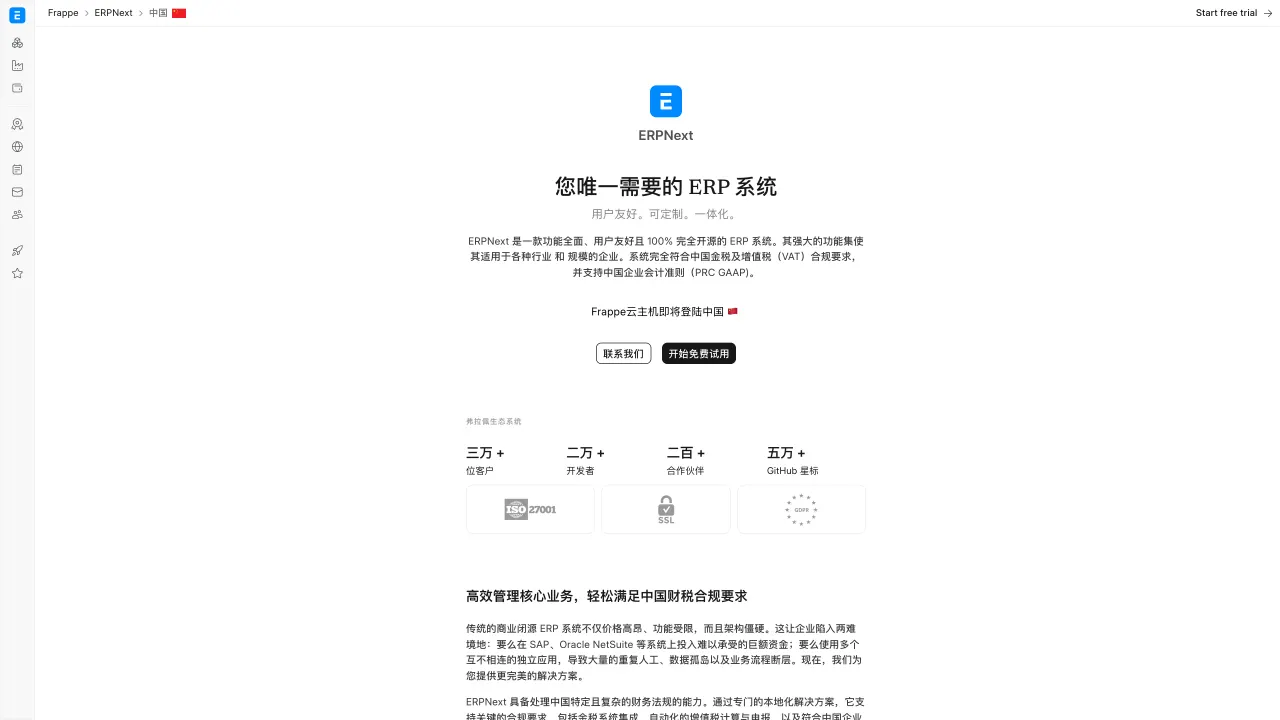
About Hosting ERPNext
ERPNext runs on the Frappe framework and uses a multi-service runtime. The frontend Nginx service serves the web UI, the backend service runs the Frappe application server, the websocket service handles realtime updates, workers process queues, and the scheduler runs periodic jobs.
The template provisions MariaDB 11.4.7 as the external ERPNext database because Frappe v16 expects MariaDB-compatible DDL during site creation. It also creates one Redis 7.2.7 KubeBlocks cluster shared by cache and queue traffic, plus persistent volumes for Frappe sites and logs.
Common Use Cases
- Accounting and finance: Manage invoices, ledgers, payments, taxes, and reporting.
- Inventory and operations: Track stock, warehouses, procurement, and fulfillment.
- CRM and sales: Manage leads, opportunities, quotations, and customer records.
- HR and projects: Coordinate employees, tasks, timesheets, and project delivery.
Dependencies for ERPNext Hosting
The Sealos template includes ERPNext frontend, backend, websocket, queue workers, scheduler, site initialization jobs, a MariaDB StatefulSet, one KubeBlocks Redis cluster, persistent site storage, persistent logs, internal Services, and HTTPS ingress.
Deployment Dependencies
Implementation Details
Architecture Components:
- Frontend: Uses
frappe/erpnext:v16.21.1 with nginx-entrypoint.sh on port 8080.
- Backend: Uses
frappe/erpnext:v16.21.1 for the Frappe application server on port 8000.
- Websocket: Runs
frappe/socketio.js on port 9000.
- Queue Workers: Separate long and short queue workers.
- Scheduler: Runs periodic ERPNext background jobs.
- Configurator Job: Writes global site configuration for database, Redis, and websocket settings.
- Create Site Job: Creates the default
frontend site and installs ERPNext.
- MariaDB: MariaDB
11.4.7 StatefulSet, used as the external database for ERPNext/Frappe site data.
- Redis: KubeBlocks Redis
7.2.7 shared by cache and queue traffic.
- File Storage: Persistent site and log volumes mounted at
/home/frappe/frappe-bench/sites and /home/frappe/frappe-bench/logs.
Configuration:
The deployment form asks for the initial ERPNext administrator username and password. The template stores the configured username on the built-in Administrator account and enables username-based login during site creation.
License Information:
ERPNext is licensed under the GNU General Public License v3.0.
Why Deploy ERPNext on Sealos?
Sealos is an AI-assisted Cloud Operating System built on Kubernetes that unifies the entire application lifecycle, from development in cloud IDEs to production deployment and management. It is perfect for building and scaling modern AI applications, SaaS platforms, and complex microservice architectures. By deploying ERPNext on Sealos, you get:
- One-Click Deployment: Deploy the full ERPNext stack with database, cache, queue, workers, and ingress.
- Easy Customization: Adjust resources and environment variables from the Sealos UI.
- Zero Kubernetes Expertise Required: Run a multi-service ERP system without manually managing Kubernetes resources.
- Persistent Storage Included: Keep site files, uploaded files, and logs available across restarts.
- Instant Public Access: Get an HTTPS ERPNext URL automatically.
Deploy ERPNext on Sealos and focus on business operations instead of infrastructure management.
Deployment Guide
- Open the ERPNext template and click Deploy Now.
- Configure the administrator username and password in the popup dialog.
- Wait for deployment to complete. After deployment, you will be redirected to the Canvas.
- Access your application via the provided URL:
- ERPNext Desk: Log in with the administrator username and password you configured during deployment.
- The first administrator login opens the ERPNext setup wizard. Complete the account, organization, currency, and chart-of-accounts steps before using Desk.
Configuration
ERPNext creates the initial site as frontend, matching the official Frappe Docker example. The template stores site files and logs on persistent volumes.
Scaling
ERPNext has separate frontend, backend, websocket, worker, scheduler, MariaDB, and Redis components. Increase workers for queue backlog, frontend resources for web traffic, and backend resources for application latency.
Troubleshooting
The login page is not ready immediately
- Cause: The site creation job must finish before the frontend can serve the ERPNext desk.
- Solution: Check the
create-site Job, MariaDB StatefulSet, Redis Cluster, and frontend logs from the Canvas.
Background jobs are delayed
- Cause: Queue workers or Redis resources are saturated.
- Solution: Increase queue worker CPU and memory, then inspect the Redis cluster.
Additional Resources
License
This Sealos template is provided under the Apache License 2.0. ERPNext itself is licensed under the GNU General Public License v3.0.