For current cloud charges, refer to Sealos plan pricing. Upstream documentation may reference earlier billing models.
Deploy and Host EMQX on Sealos
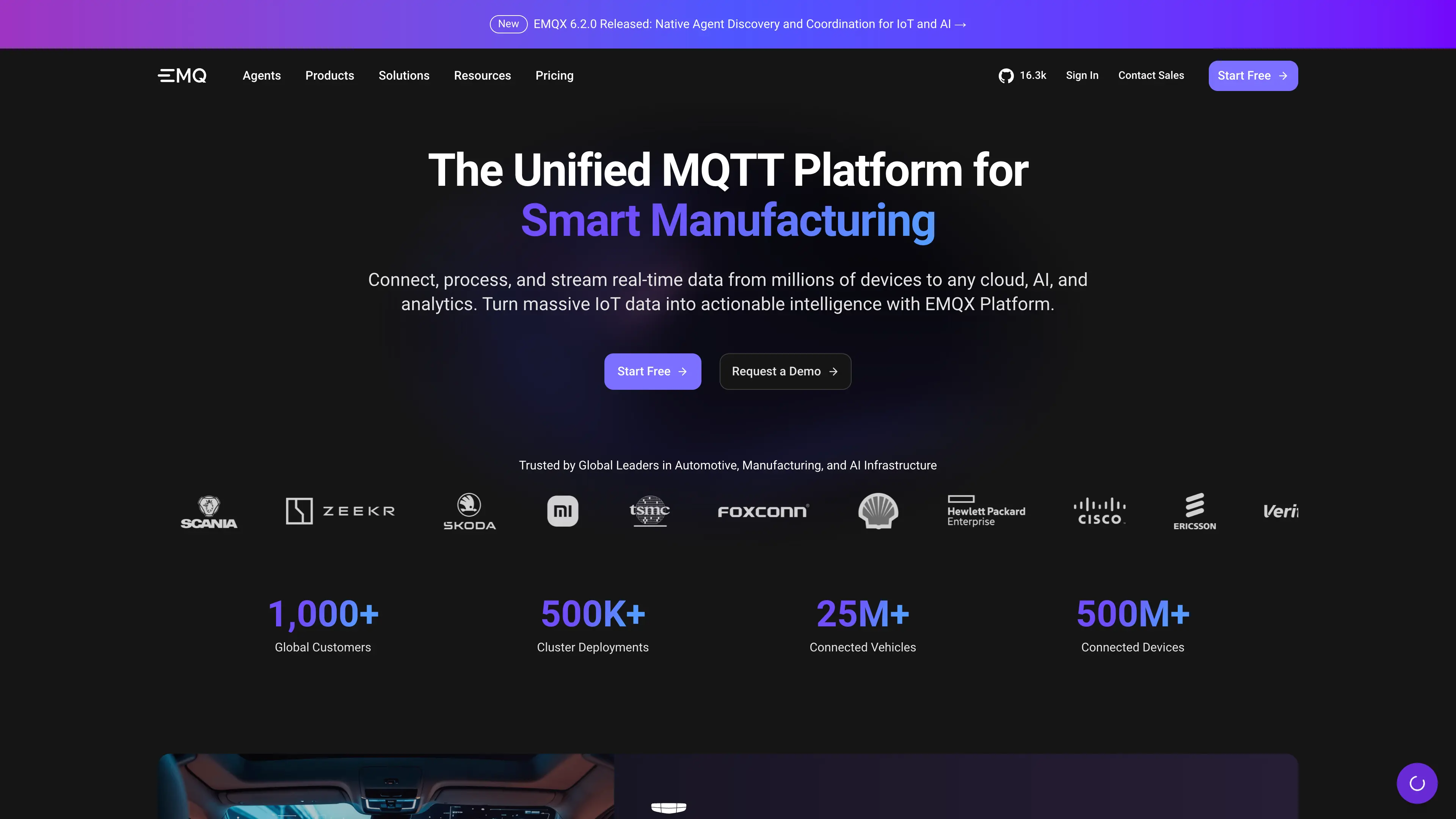
EMQX is an open-source MQTT broker for IoT, industrial IoT, and connected vehicle messaging. This template deploys EMQX as a clustered StatefulSet on Sealos Cloud with persistent data and log storage.
About Hosting EMQX
EMQX provides MQTT, MQTT over TLS, WebSocket, and dashboard access for device messaging workloads. The Sealos template runs EMQX with DNS-based cluster discovery so multiple replicas can form a broker cluster automatically.
The deployment persists /opt/emqx/data and /opt/emqx/log for each pod, exposes the Dashboard through HTTPS, and can optionally expose MQTT TCP and TLS listeners through a NodePort service.
Common Use Cases
- IoT Device Messaging: Connect sensors, gateways, and applications with MQTT topics.
- Industrial IoT Telemetry: Ingest machine and equipment telemetry from factories or edge sites.
- Connected Vehicle Messaging: Route vehicle status, command, and telemetry messages.
- MQTT WebSocket Access: Let browser clients connect through the
/mqtt WebSocket path.
- Broker Evaluation: Quickly test EMQX clustering and dashboard features on Kubernetes.
Dependencies for EMQX Hosting
The Sealos template includes the EMQX broker container, Kubernetes StatefulSet orchestration, persistent volumes, internal services, public HTTPS ingress, and a Sealos App dashboard entry.
Deployment Dependencies
Implementation Details
Architecture Components:
This template deploys the following resources:
- EMQX StatefulSet: Runs one, three, or five EMQX broker replicas.
- Headless Service: Provides DNS records for EMQX cluster discovery.
- ClusterIP Service: Exposes the Dashboard and MQTT WebSocket listener inside the cluster.
- Ingress: Publishes the Dashboard and
/mqtt WebSocket endpoint with HTTPS.
- Optional NodePort Service: Exposes MQTT TCP (
1883) and MQTT TLS (8883) when enabled.
- Persistent Volumes: Stores EMQX data and logs for each broker pod.
Configuration:
- Dashboard username is
admin.
ADMIN_PASSWORD sets the initial Dashboard admin password and should be changed after first login.REPLICA_COUNT controls the number of broker replicas.TCP_ENABLE controls whether external MQTT TCP and TLS ports are exposed.- EMQX clustering uses DNS discovery through the template-managed headless service.
License Information:
EMQX is licensed under Apache License 2.0. This Sealos template is provided as part of the Sealos template repository.
Why Deploy EMQX on Sealos?
Sealos is an AI-assisted Cloud Operating System built on Kubernetes that unifies application deployment, operations, and scaling. By deploying EMQX on Sealos, you get:
- One-Click Deployment: Deploy EMQX without manually writing Kubernetes manifests.
- Built-in Persistent Storage: Keep broker data and logs across pod restarts.
- Automatic HTTPS Access: Use a generated public URL with TLS for the Dashboard and WebSocket endpoint.
- Cluster-Ready Defaults: Start with DNS-based EMQX cluster discovery and configurable replica count.
- Canvas Operations: Adjust resources and settings later through the Sealos Canvas, AI dialog, or resource cards.
Deploy EMQX on Sealos when you want an MQTT broker that can be launched quickly while still using Kubernetes-native primitives.
Deployment Guide
- Open the EMQX template and click Deploy Now.
- Configure the deployment parameters:
REPLICA_COUNT: Choose 1, 3, or 5 broker replicas.ADMIN_PASSWORD: Set the initial Dashboard admin password.TCP_ENABLE: Enable only if you need external MQTT TCP/TLS access.
- Wait for deployment to complete, typically 2-3 minutes. After deployment, you will be redirected to the Canvas. For later changes, describe your requirements in the dialog to let AI apply updates, or click the relevant resource cards to modify settings.
- Access EMQX through the generated URLs:
- Dashboard: Open the application URL and log in with username
admin and your configured password.
- MQTT WebSocket: Use
wss://[your-app-url]/mqtt for browser MQTT clients.
- MQTT TCP/TLS: If
TCP_ENABLE is enabled, use the NodePort service information shown in Sealos.
Configuration
After deployment, you can configure EMQX through:
- EMQX Dashboard: Manage listeners, authentication, authorization, clients, rules, and cluster settings.
- Sealos AI Dialog: Describe resource or template changes and let AI apply them.
- Resource Cards: Click the StatefulSet, Service, or Ingress cards in Canvas to adjust resources and networking.
Scaling
To scale EMQX after deployment:
- Open the Canvas for your deployment.
- Click the EMQX StatefulSet resource card.
- Adjust the replica count and resource limits.
- Apply the changes and wait for the EMQX cluster to rebalance.
For production workloads, use an odd replica count such as 3 or 5 and validate client reconnect behavior during rolling updates.
Troubleshooting
Dashboard login fails
- Cause: The initial password may have already been changed after first startup.
- Solution: Use the current Dashboard password. If you need to reset it, follow the EMQX documentation for changing Dashboard users from the CLI or Dashboard.
MQTT TCP clients cannot connect
- Cause:
TCP_ENABLE may be disabled, or the client is using the wrong NodePort endpoint.
- Solution: Enable
TCP_ENABLE during deployment or expose the listener later through Sealos networking settings.
Cluster replicas do not become ready
- Cause: EMQX needs stable DNS names and enough resources to finish cluster startup.
- Solution: Check pod logs in Canvas, confirm all replicas can resolve the headless service, and increase CPU or memory if startup probes keep failing.
Getting Help
Additional Resources
License
This Sealos template is provided under the repository license. EMQX itself is licensed under Apache License 2.0.