Deploy and Host Coze Studio on Sealos
Coze Studio is an open-source platform for building AI agents with workflows, knowledge bases, memory, plugins, and chat experiences. This template deploys the Coze Studio 0.5.1 runtime bundle on Sealos Cloud with managed databases, search, vector storage, object storage, and an HTTPS entry.
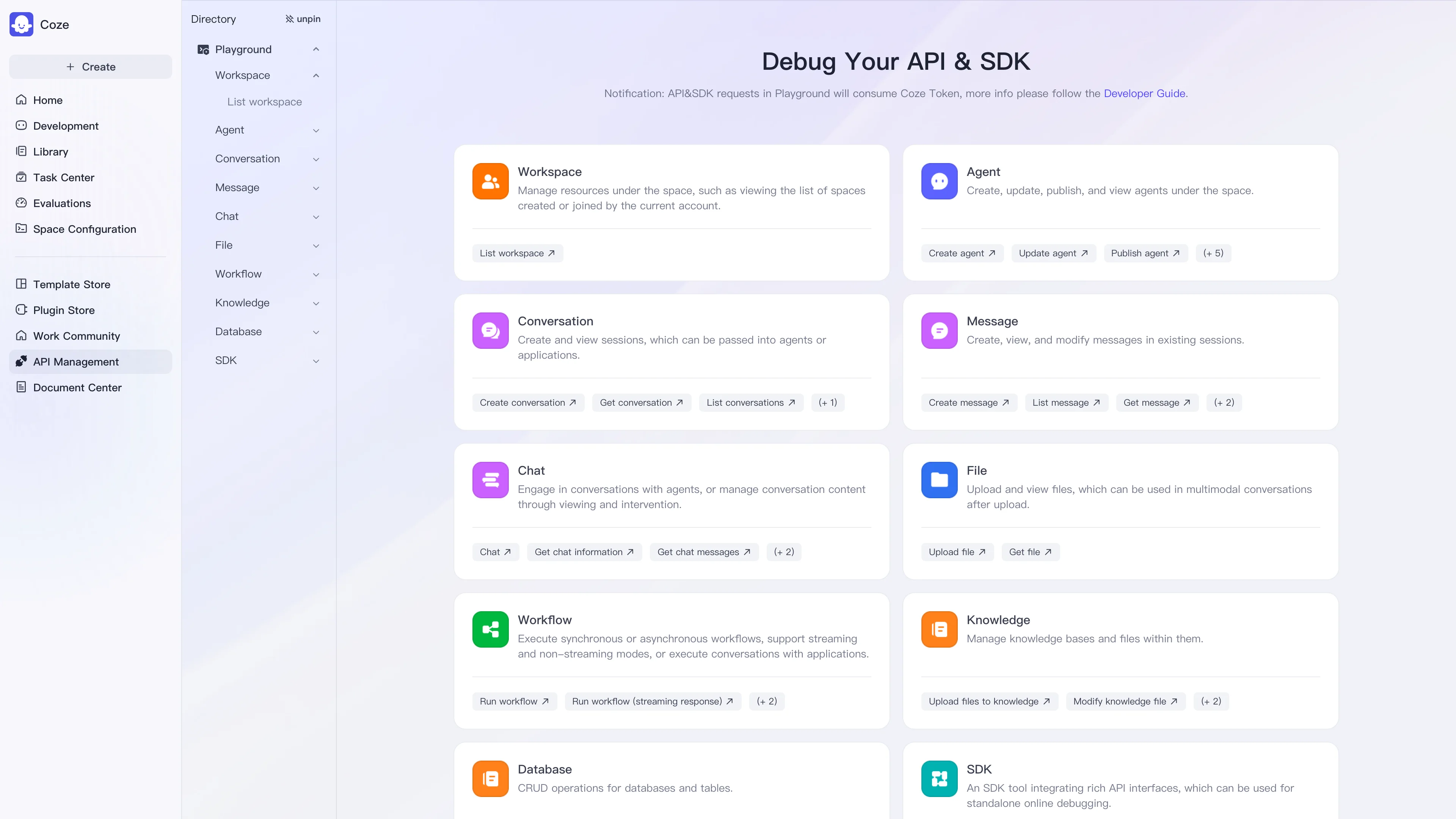
About Hosting Coze Studio
The template keeps the application services and their stateful dependencies in one Sealos deployment. Coze Studio stores relational state in KubeBlocks MySQL, uses KubeBlocks Redis for cache and session state, NSQ for messaging, Elasticsearch for search indexes, Milvus for vectors, and a private Sealos Object Storage bucket for uploaded assets.
The generated hostname is wired into the web Ingress and the server's public URL. Persistent volumes keep etcd, Elasticsearch, Milvus, and migration work data across pod restarts.
Common Use Cases
- Agent prototyping: Build and test an AI agent with visual workflows.
- Knowledge assistants: Index documents and use retrieval-backed conversations.
- Internal automation: Combine plugins, APIs, and scheduled workflows for team operations.
- Shared experimentation: Give a small team one persistent workspace for agent development.
Architecture and Dependencies
The deployment contains these runtime components:
- Coze Studio Web: Nginx frontend on port
80, published through the HTTPS Ingress and Sealos App entry.
- Coze Studio Server: API and application service on ports
8888 and 8889.
- NSQ:
nsqlookupd and nsqd provide internal message delivery.
- etcd: Bitnami etcd stores Milvus coordination data on a persistent volume.
- Elasticsearch: Bitnami Elasticsearch
9.1.2 stores Coze search indexes.
- Milvus: Milvus
v2.5.10 provides the vector store and uses the private object-storage bucket.
- Managed databases: KubeBlocks MySQL
ac-mysql-8.0.30-1 and Redis redis-7.2.7 provide application state and cache.
- Initialization: server init containers wait for dependencies, apply the Coze schema, copy default icons to object storage, and create required Elasticsearch indexes.
Why Deploy Coze Studio on Sealos?
Sealos is an AI-assisted Cloud Operating System built on Kubernetes. It provisions the multi-service runtime, managed databases, storage, TLS, and service discovery from one template, so you can focus on agent design.
- One-click deployment: Create the web, API, messaging, search, vector, database, and storage resources together.
- Managed operations: Use Canvas resource cards and the AI dialog for post-deployment changes.
- Persistent data: Keep agent assets, indexes, and database state on managed volumes.
- Pay-as-you-go resources: Start with the compact profile and scale the components that need more capacity.
Configuration
Enter both values in the deployment dialog:
| Name | Description | Required | Default |
|---|
api_key | Ark API key used by the default model configuration. | Yes | None |
model_id | Ark model or endpoint ID used by Coze Studio. | Yes | None |
The template generates plugin encryption secrets and database credentials. Keep your Ark key private and rotate it through the Sealos resource configuration when needed.
Deployment Guide
- Open the Coze Studio template and click Deploy Now.
- Enter the Ark
api_key and model_id in the parameter dialog.
- Wait for the web, server, NSQ, etcd, Elasticsearch, Milvus, MySQL, and Redis resources to become ready. Typical Sealos deployments take 2-3 minutes; this multi-service bundle can take longer while databases and indexes initialize. After deployment, Canvas shows the resource cards for AI-assisted updates and direct tuning.
- Open the generated URL from the Sealos App entry.
- On the first visit, open
/sign, enter an email and password, and click Register. Coze Studio redirects the new account to its workspace. Existing users use the same form and click Log in.
- Open Workspace, click Create, choose Create Agent, and save a test agent to verify the authenticated workspace flow. Agent responses require a valid Ark key and model endpoint.
Storage and Operations
Coze Studio uses a private object-storage bucket for uploaded files and default plugin icons. The template also provisions 1 GiB persistent volumes for etcd, Elasticsearch, Milvus, and the server migration workspace. Sealos is built on Kubernetes and uses pay-as-you-go resources; increase the relevant resource cards and storage volumes in Canvas when data size or traffic grows. Use the Canvas AI dialog for environment changes and the resource cards for direct tuning.
The server migration and index jobs are idempotent. Restarting a workload keeps database state and persistent files, while a deployment deletion follows the template's managed resource retention policy.
Troubleshooting
The web page opens before the application is ready
Wait until the server and web workloads report Ready. The server waits for MySQL, Redis, NSQ, Elasticsearch, and Milvus before it starts accepting traffic.
Search or knowledge features fail
Inspect the Elasticsearch health and index-init container logs in Canvas. Confirm that the Elasticsearch resource has Ready status and that the project_draft and coze_resource indexes exist.
Agent responses fail
Check that api_key and model_id match an active Ark credential and endpoint. Update the values in the Sealos configuration and restart the server workload.
Getting Help
Official Links
Additional Resources
License
This Sealos template is provided under the templates repository license. Coze Studio remains subject to the license and terms published by its upstream project.